
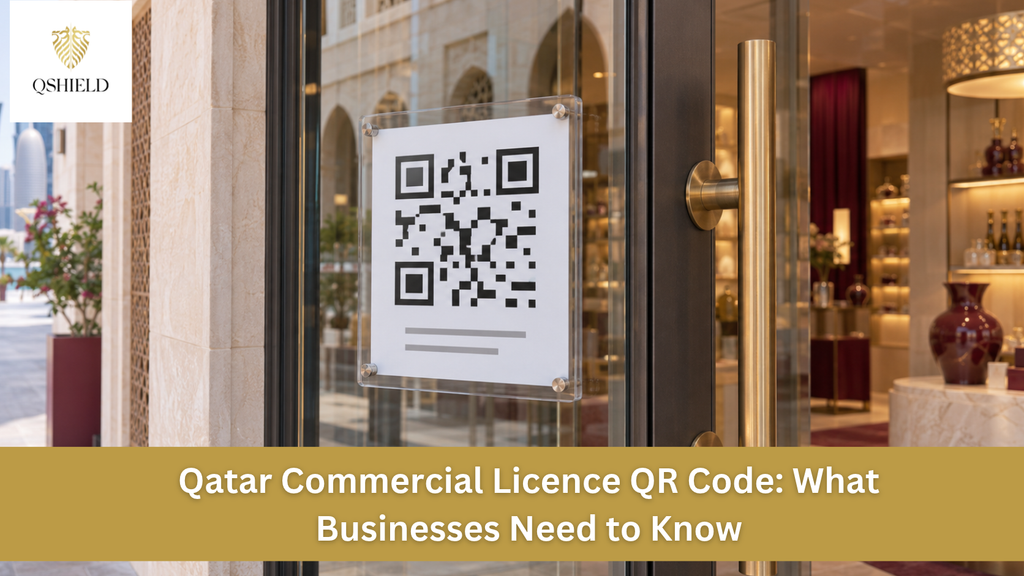
Businesses in Qatar can now display an official QR code in place of a printed commercial licence extract. The Ministry of Commerce and Industry (MOCI) announced the option so that people can scan the code to access official, up-to-date information about a commercial establishment and its licence. Business owners can obtain the code through Qatar’s Single Window platform and display it in a clearly visible place at their premises.
What the QR Code Changes for Businesses in Qatar
The change applies to how businesses display their commercial licence information. A shop, restaurant, or office that chooses the QR code can use it (in place of the printed extract). For customers and inspectors, this makes it easier to consult the current official information when they visit the establishment.
Businesses still need to obtain, renew, or update their commercial licence as required. If your permit is due for renewal, continue to follow the applicable renewal process. Single Window’s Comprehensive Renewal service accepts applications to renew a Commercial Registration (CR) or Commercial Permit (CP), subject to the conditions that apply to the business.
Commercial Licence and Commercial Registration
A Commercial Registration (CR) records the business’s registration. Single Window refers to the commercial licence as a Commercial Permit (CP). This permit authorises a business to carry out its approved activities at the licensed premises.
MOCI allows businesses to display the QR code at their premises (in place of the printed commercial licence extract). If a bank, landlord, or other organisation asks for paperwork, check whether they need a Commercial Registration (CR) extract, a commercial licence extract, or another document.
Benefits of Using the QR Code
- Display the official QR code in place of the printed commercial licence extract.
- View the establishment’s details and commercial licensing information.
- Access official, up-to-date information directly.
- Check business information easily with a quick scan.
Target Audience
- Companies and commercial establishments
- Investors and business owners
- The Public and Customers
- Regulatory authorities
How to Obtain and Display the QR Code
1. Get the Official Code Through Single Window
Get your establishment’s official QR code through Qatar’s Single Window platform. If someone on your team handles government transactions, ask them to select the correct establishment record and retrieve the code. If you cannot locate it or are unsure which record applies to your premises, contact MOCI for guidance.
2. Choose a Clearly Visible Spot
MOCI says to display the code in a clearly visible place at your business premises. A reception area may work well for an office, while the wall near the counter may be more practical for a shop or café. Choose a spot where visitors can easily see and scan the code.
3. Scan It Before You Finish
Once the code is in place, scan it with a phone from the spot where a visitor would normally stand. Check that it opens the official information for the intended establishment. If it is hard to scan, try a clearer print or a better-lit location. If it opens a record you do not recognise, check which establishment was selected in Single Window and contact the ministry if you need help.
What to Check if You Manage More Than One Location
Before displaying a code, scan it and make sure it opens the correct establishment record for that location. This is especially useful if several branches trade under the same name or if a central office prepares signs for multiple sites. If you’re unsure which code to display at a particular branch, confirm with MOCI.
Get Support With Your Commercial Licence in Qatar
If you need help reviewing your commercial licence, preparing for renewal, or checking the documentation, QShield’s PRO services team can help you identify the next step and manage the licensing paperwork.